
On this page
Interface previews
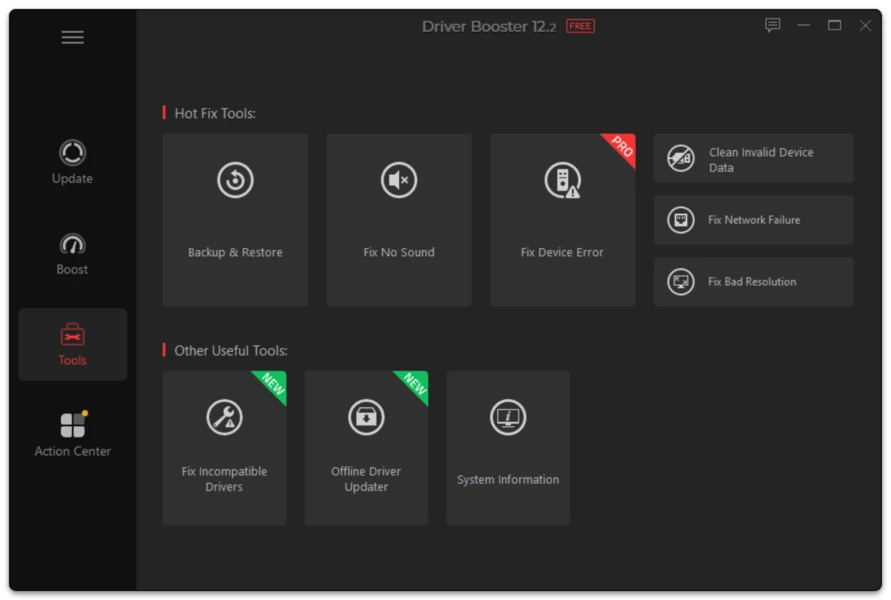
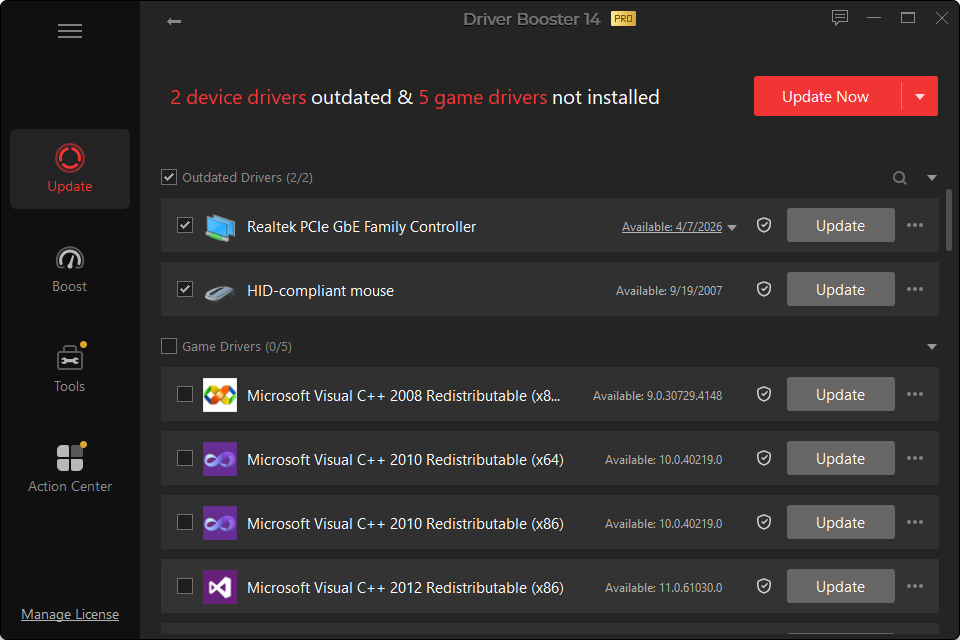
Driver Booster 14 adds a dedicated function for missing game-related DLLs, covering more than 60 components and 680 DLL files.
That sounds broad, but the key is recognizing when a DLL really is the problem.
What Is a DLL?
A Dynamic Link Library contains code that Windows applications can share. Games may rely on runtime libraries for graphics, audio, input or other functions.
When a required file is absent or corrupted, Windows may display an error that names the missing DLL directly.
When the Driver Booster Tool Is Relevant
Use the repair feature when:
- the error names a missing game/runtime DLL;
- a required runtime component was removed;
- the game installer failed to install a dependency;
- the error occurs before the game starts.
When It Is Probably Not the Fix
A DLL repair is not the right first step for:
- GPU driver timeout;
- anti-cheat failure;
- game server outage;
- damaged save data;
- overheating;
- storage read errors;
- account/login problems.
Never Download a Random Single DLL From an Unknown Site
A filename alone does not tell you whether the file is genuine, correct for the software version or safe. Repair the underlying runtime/component rather than collecting loose DLL files from unverified sources.
After Repair
Restart if requested and launch the same game again. If the error changes, record the new message. A changed error can reveal the next missing dependency rather than proving the original repair failed.