
On this page
Interface previews
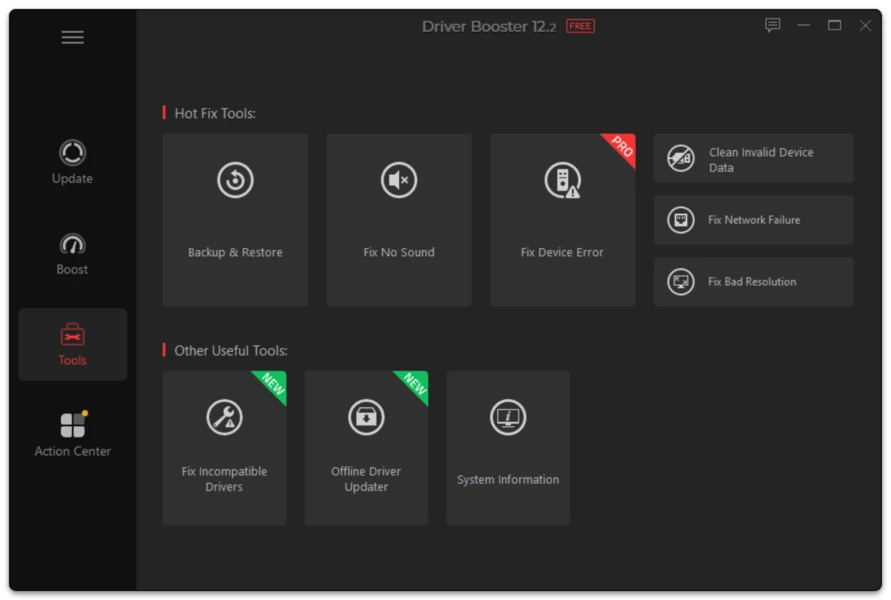
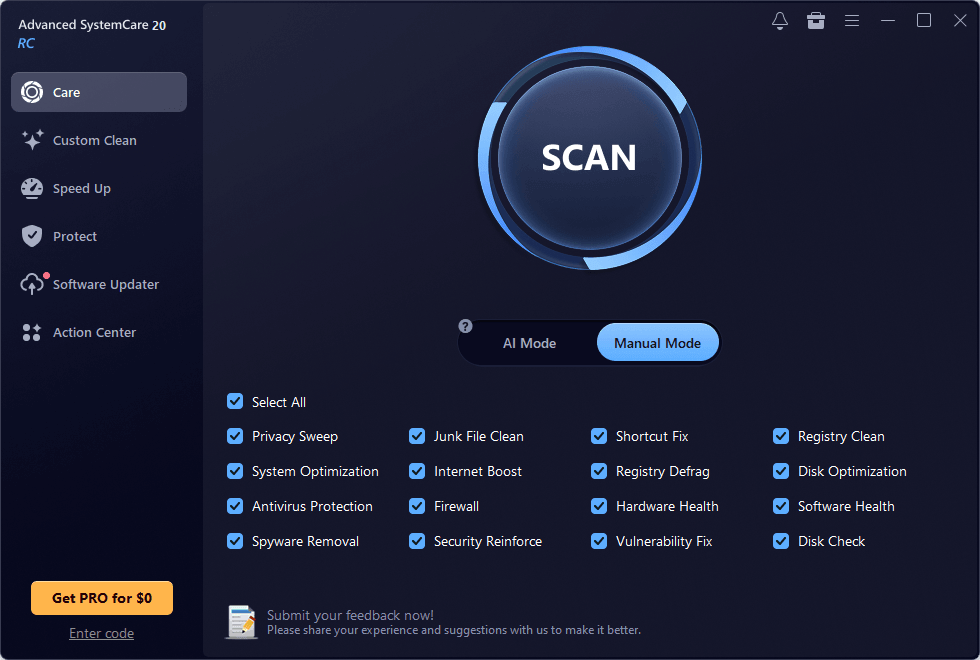
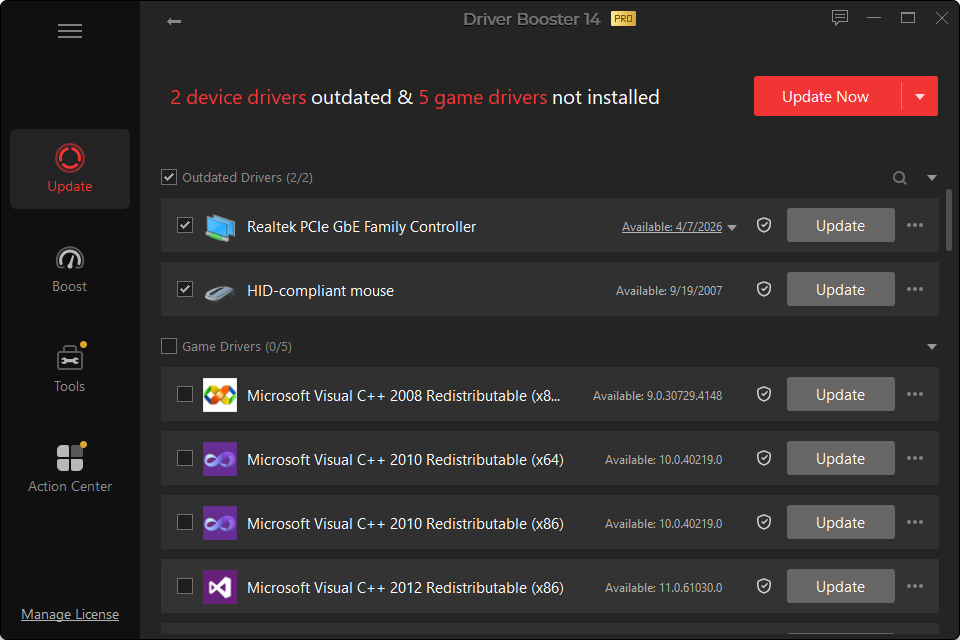
driverbooster.download is an independent informational website focused on Driver Booster, Windows device drivers and practical driver troubleshooting.
Our goal is to make driver maintenance easier to understand without treating every available update as mandatory.
What We Cover
The site publishes:
- current Driver Booster version information;
- installation and removal guides;
- Free vs PRO explanations;
- Windows 11 and Windows 10 compatibility guidance;
- graphics, audio, network, USB, printer and chipset driver help;
- rollback and recovery instructions;
- troubleshooting for problems that appear after driver changes;
- version-history and feature explanations.
Our Editorial Approach
Driver advice should answer four questions:
- What device is affected?
- Why does it need a change?
- What could go wrong?
- How can the previous state be restored?
That is more useful than telling users to update everything simply because an application found a newer number.
Corrections
Software changes quickly. When a factual version, compatibility detail or instruction becomes outdated, the relevant page should be corrected rather than silently preserving obsolete information.