
Download Driver Booster 14
Windows installer · 14.0.1.462 · 31.9 MB
On this page
Interface previews
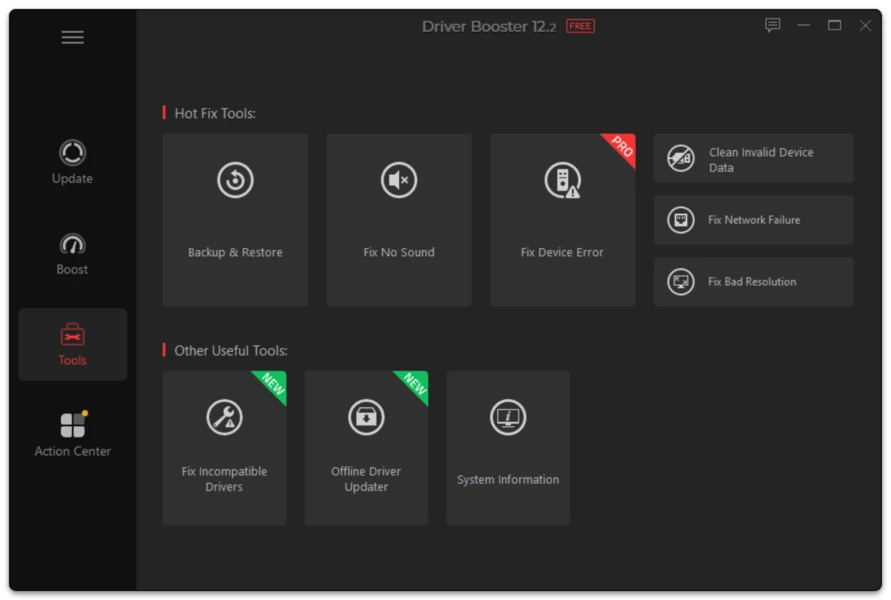
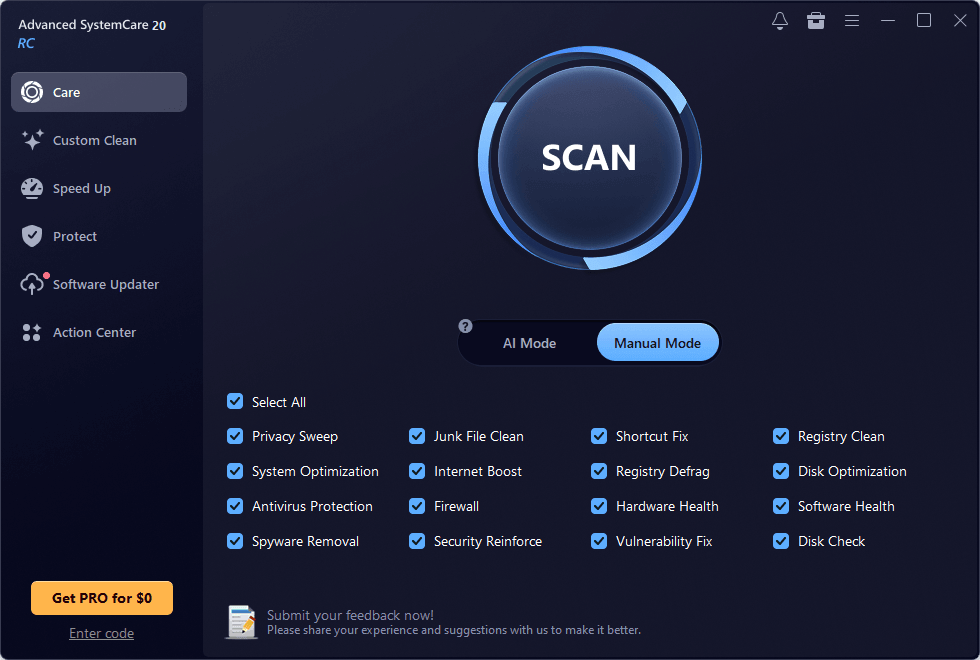
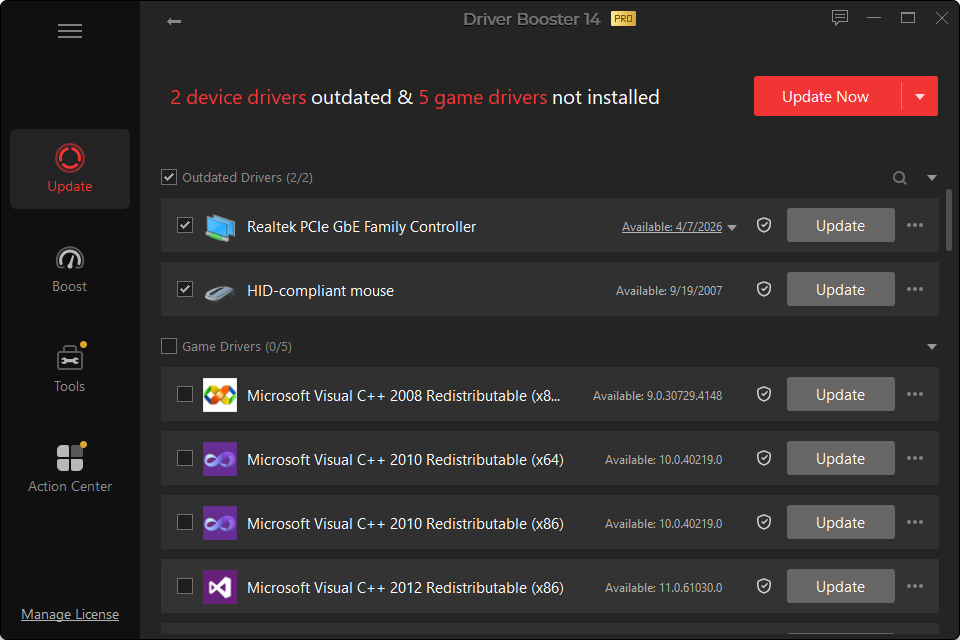
Download Driver Booster
Use the download button below to get the current Windows installer configured for this website.
Current version: 14.0.1.462 Major release: Driver Booster 14 Release date: September 24, 2026 Approximate installer size: 31.9 MB License model: Free edition with optional PRO upgrade Platform: Windows Architecture: Standard Windows PCs plus Windows 10/11 ARM64 support in the current generation
Before running any installer, save open work and make sure you are using an account with permission to install desktop applications.
What Happens After the Download?
The downloaded setup file launches the Driver Booster installation process. Read the installer screens instead of advancing through them automatically. This gives you a chance to review the installation location and any optional selections that may be presented by the current installer.
After installation:
- Open Driver Booster.
- Start a system scan.
- Wait for the hardware check to finish.
- Review the detected devices and proposed versions.
- Select only the driver changes you want.
- Keep a recovery option available before changing important devices.
- Restart Windows when required.
Driver Booster does not need every result to be installed in one batch. When you are troubleshooting a specific device, updating that one hardware category first makes it easier to verify whether the change helped.
Which Windows Versions Can Use Driver Booster 14?
The current generation supports modern Windows PCs, with published compatibility covering Windows 11, Windows 10, Windows 8/8.1 and Windows 7 and explicit ARM64 support for Windows 10/11 devices.
Legacy Windows installations require extra caution. Even if the application itself can run, the driver you need may no longer be produced for an older operating system. The application’s compatibility and an individual hardware driver’s compatibility are two separate questions.
Download Checklist
A good driver-update session starts before the first update is installed.
Check Windows architecture
Open Settings > System > About and note the system type. Windows may be running on x64 or ARM64 hardware. Driver packages must match supported architecture.
Identify the problem first
If you are downloading Driver Booster because sound, networking or graphics stopped working, write down what changed before the problem started. That information helps you judge whether the proposed driver is relevant.
Keep critical drivers recoverable
Network and display drivers deserve special attention. If a network driver fails, your PC may temporarily lose internet access. If a display driver misbehaves, Windows may fall back to a basic display mode. Keep a rollback or restore route available.
Do not interrupt active installation
A driver installation can temporarily reset a device. The screen may blink during a graphics update, audio may disappear briefly, and network connectivity may drop during an adapter update. Do not force-shut down the computer simply because a device briefly resets.
Why Is the Version Number Important?
Driver Booster receives maintenance updates between major releases. Two computers that both say “Driver Booster 14” can still be running different builds.
The full version number helps when:
- comparing a known bug with a fixed build;
- checking whether an installation actually updated;
- troubleshooting a feature that changed between releases;
- confirming that instructions match the interface you see.
For that reason, this site should show the full 14.0.1.462 value in the download information rather than only saying “Driver Booster 14.”
Free Download vs PRO
The installer provides access to Driver Booster’s Free workflow, while PRO features require a valid PRO license. You do not need PRO merely to understand which devices have outdated or missing drivers.
The Free edition is appropriate for occasional manual scans. PRO is aimed more at scheduled maintenance, automated updating, expanded backup/restore functions and offline driver workflows.
Read the Driver Booster Free vs PRO page before upgrading solely because a feature appears locked. It explains which capabilities matter for different use cases.
Download Problems
The installer does not start
Right-click the downloaded file and check Properties. Confirm that Windows recognizes it as an executable and that it was downloaded completely. If Windows security displays a warning, read the publisher and file details rather than dismissing the message automatically.
The download stops before completion
Clear a partial download and start again. A damaged installer can fail before installation even begins.
Windows asks for administrator permission
Driver installation changes system-level components, so administrator approval is normal. Use an authorized Windows account.
The program installs but cannot scan
Check internet connectivity, system date/time, firewall settings and any proxy configuration. Driver Booster’s online scan/update functions need network access.
No driver is found for a device
A driver database cannot guarantee a match for every device ever produced. Find the hardware ID in Device Manager and verify the device model. Very new, very old or specialized enterprise hardware may need a manufacturer-specific package.
FAQ
Is Driver Booster Download free?
The Free edition can be downloaded and used for core driver-scanning and updating tasks. PRO functionality requires a license.
How large is Driver Booster?
The installer size can change with builds. At preparation time, current third-party package tracking places the setup at roughly 31.9 MB. Keep this as a centralized field rather than hard-coding it into multiple templates.
Do I need to uninstall an older Driver Booster version first?
Usually an in-place update can replace an older build. If an update fails, uninstalling the existing version and then installing the current build is a reasonable troubleshooting step.
Can Driver Booster work without internet?
Some functionality requires internet access to identify and download current packages. PRO provides additional offline network-driver functionality. See the dedicated Offline Driver Updater guide for use cases and limitations.