
Download Driver Booster
Latest build · 14.0.1.462 · 31.9 MB
On this page
Interface previews
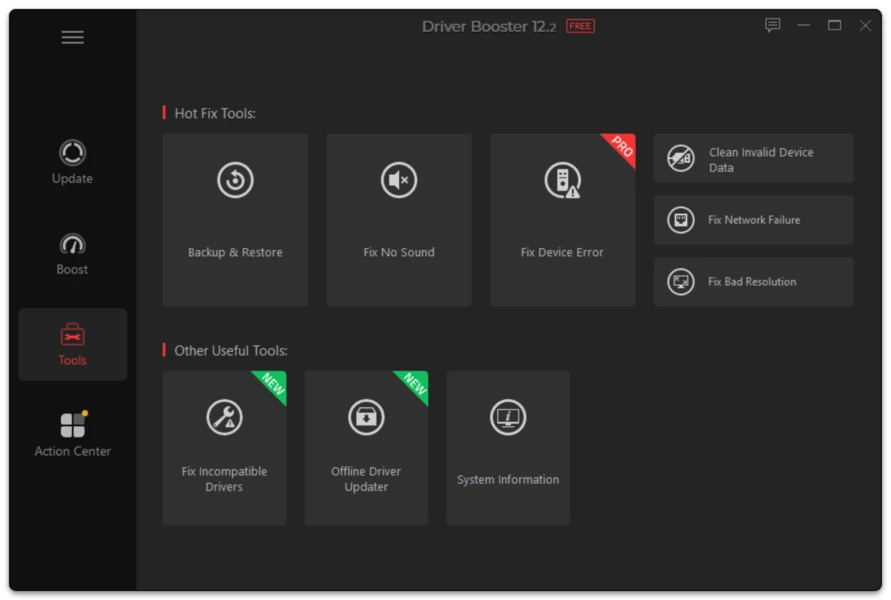
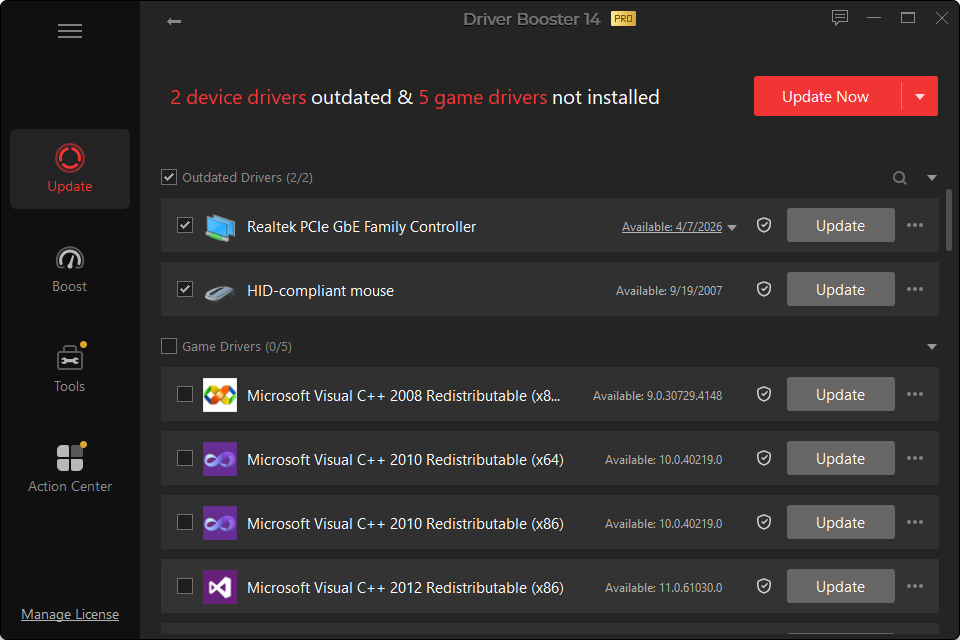
The current major generation is Driver Booster 14. The exact tracked build is 14.0.1.462, and this page is the permanent place to check the latest version, current release information, compatibility and the main changes in the newest generation.
For users upgrading from an older generation, the most important question is not simply whether a higher version number exists. Review what changed in the current release, whether those changes apply to your hardware, and whether your existing setup is already stable.
Driver Booster 14 at a Glance
| Item | Driver Booster 14 |
|---|---|
| Current tracked build | 14.0.1.462 |
| Major release date | September 16, 2026 |
| Driver database | 23,000,000+ records |
| Multi-version driver options | Yes |
| Missing game DLL repair | 60+ components / 680+ DLLs |
| Windows 10/11 ARM64 | Supported |
| SOCKS5 proxy | Added |
| Localized languages | 38 |
| Interface | Redesigned for v14 |
A Larger Driver Database
Driver Booster 14 expands its online driver database to more than 23 million records. In practical terms, database breadth matters most for devices outside the most common desktop hardware: older peripherals, laptop-specific components, less common network chips and devices whose manufacturer pages are difficult for users to navigate.
A large database does not remove the need for correct matching. Hardware IDs, Windows version, architecture and device revision all matter. If the scan proposes a driver for critical hardware, read the device details instead of relying only on the green update indicator.
Latest vs Most Stable Driver
Version 14’s multi-version approach is one of its more useful changes.
Imagine a graphics device with:
- an older installed driver that is currently stable;
- a new release designed for a recently launched game;
- a slightly older release with a longer stability history.
A gamer who needs the new game profile may prefer the latest package. A workstation user who values stability and does not need the new feature may choose differently.
This distinction is healthier than the assumption that every higher version is automatically the correct choice.
Missing Game DLL Fixer
A DLL is a shared library used by Windows applications. Games often rely on runtime components such as graphics, audio or framework libraries. If one of those components is missing or corrupted, a game may show an error naming a DLL or close before reaching the main menu.
Driver Booster 14 adds detection and repair coverage for more than 60 game components and 680 DLLs.
Use this feature when the error actually points to a missing component. It is not a universal “fix games” button. For example:
- a GPU driver crash requires graphics troubleshooting;
- damaged game files may need the game client’s verify/repair function;
- an anti-cheat failure needs anti-cheat troubleshooting;
- overheating needs hardware or cooling diagnosis;
- a storage error will not be fixed by adding a DLL.
The best fix follows the evidence shown by the error.
Reworked Scanning
Driver scanning has two jobs: identify the physical device correctly and determine whether a more suitable driver exists for the current Windows installation.
Version 14’s engine has been redesigned to support multi-version scanning and distinguish current/stable choices. Users should still inspect the result list before installing changes, especially after a clean Windows installation where many devices can appear at once.
Updated Installation Engine
The installation engine has also been revised to handle the new multi-version workflow. During a driver update, Windows may:
- temporarily stop and restart a device;
- replace driver files;
- update a device service;
- refresh the hardware configuration;
- request a system restart.
Do not treat temporary flickering, audio reset or a brief network interruption as proof that installation failed. Wait for the updater and Windows to finish before judging the result.
ARM64 Driver Updating
Windows on ARM is no longer limited to a small experimental niche. Driver Booster 14 supports Windows 10/11 ARM64 devices.
ARM64 matters because driver architecture is not interchangeable. A traditional x64 Windows driver may not work on an ARM64 installation even when the device has the same marketing name. On an ARM system, verify that both the operating system and the driver package support ARM64.
SOCKS5 Proxy Support
SOCKS5 proxy support gives Driver Booster another network configuration option. Most home users will never need to change this setting. It is more relevant to networks where outbound traffic is deliberately routed through a proxy.
If the program cannot connect on an ordinary home network, troubleshoot the internet connection, firewall and DNS before changing proxy settings.
Should Users of an Older Driver Booster Version Upgrade?
Upgrading is most useful if you need:
- newer driver coverage released after the previous database generation;
- Windows ARM64 support;
- a choice between multiple driver versions;
- the new missing-game-DLL repair function;
- the current interface and maintenance fixes.
If your existing setup is stable, do not confuse updating the Driver Booster application with installing every driver it subsequently offers. You can update the utility itself while still reviewing driver changes selectively.
Driver Booster Latest Version FAQ
What is the latest Driver Booster build?
The current tracked build at preparation time is 14.0.1.462, dated September 24, 2026.
Does the latest Driver Booster version support Windows 11?
Yes, including Windows 11 ARM64 devices.
Is the latest Driver Booster version free?
There is a Free edition. PRO adds additional automation, backup, offline-update and maintenance features.
What is the 23 million figure?
It refers to the size of the current generation’s driver database, not the number of drivers your computer needs. A normal PC uses only the drivers for its own hardware.
Should I install “Latest” or “Most Stable”?
Choose based on purpose. A latest release may contain a feature, game profile or fix you need. A stability-oriented version may be preferable on a PC where reliability matters more than a new feature.