
On this page
Interface previews
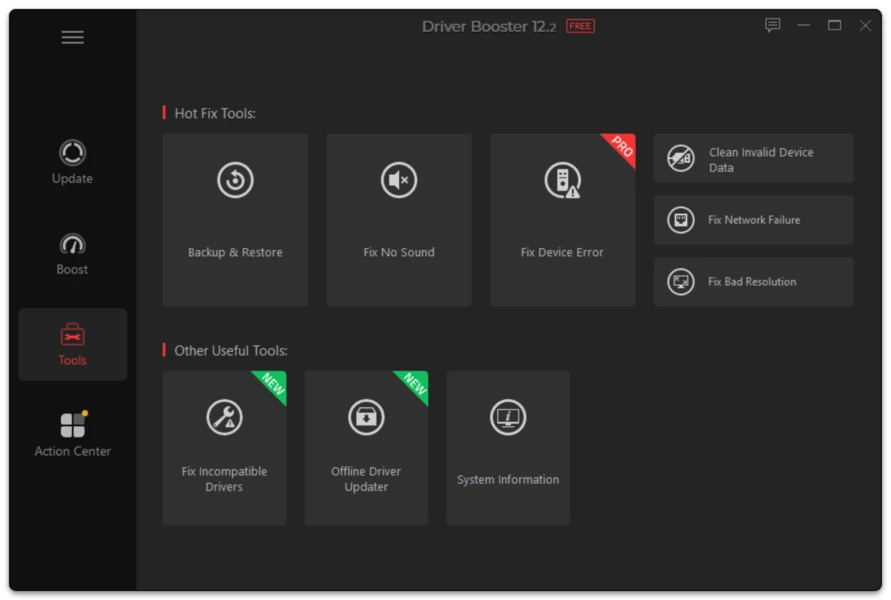
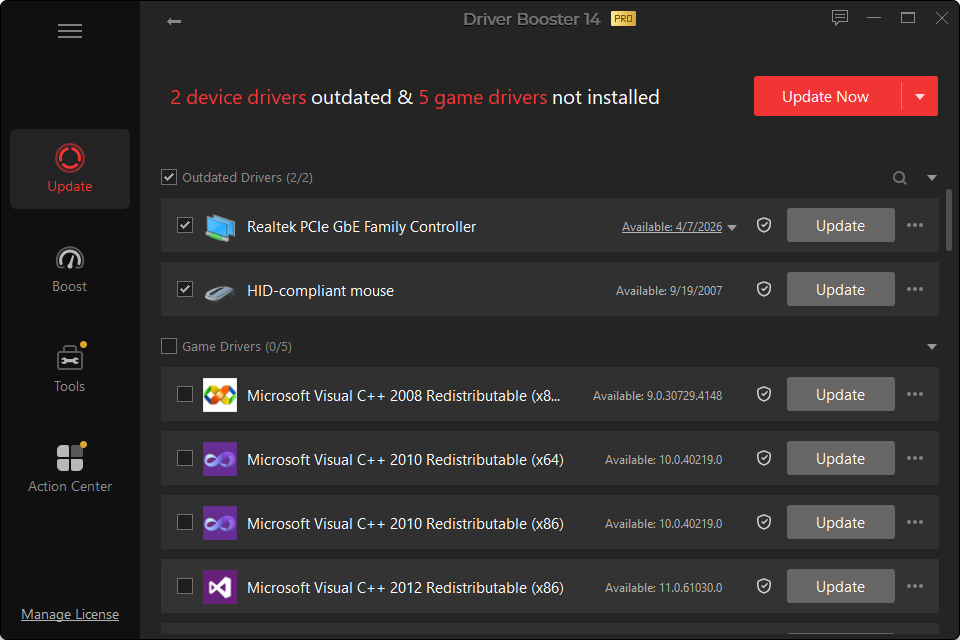
The core question is not “Which edition has more features?” PRO obviously does. The useful question is whether those extra features solve a problem you actually have.
Feature Comparison
| Task | Free | PRO | Who cares most? |
|---|---|---|---|
| Scan hardware for outdated drivers | Yes | Yes | Everyone |
| Manually review driver results | Yes | Yes | Everyone |
| Install supported driver updates | Yes | Yes | Everyone |
| Driver-version choice in v14 workflow | Available where supported | Expanded controls | Users avoiding unnecessary newest-version updates |
| Scheduled scans | Limited | Yes | Users maintaining PCs regularly |
| Automated updating | Limited | Yes | Users who want low-touch maintenance |
| Offline network-driver workflow | Limited | Yes | Repair/recovery use |
| Automatic driver backup | No/limited | Yes | Users prioritizing rollback |
| Idle-time updates | No | Yes | Users who prefer automation |
| Advanced device-error functions | Limited | Expanded | Troubleshooting |
| Game-oriented features | Basic/current feature set | Expanded | Gaming PCs |
| Paid technical support | Standard resources | Expanded | Users wanting vendor support |
Choose Free If…
Choose the Free edition when driver maintenance is occasional and you want direct control over each change.
A good Free workflow is:
- run Windows Update;
- scan with Driver Booster only when needed;
- select the device related to your issue;
- create a recovery point;
- install the driver;
- test the result.
That approach avoids turning driver updating into unnecessary routine maintenance.
Choose PRO If…
PRO makes more sense when the value is in time saved and recovery options.
Examples:
- You repair PCs and repeatedly encounter machines with no network driver.
- You want automated backup before updates.
- You manage several supported systems.
- You want scheduled scanning instead of manual checks.
- You use Driver Booster’s gaming/device-repair tools regularly.
Which Edition Is Safer?
Neither edition can make every possible driver change risk-free.
PRO has stronger backup/restore and automation functions, which can improve recovery. But automation can also mean more changes happen with less user attention if configured aggressively.
For maximum control, review important drivers regardless of edition.
Which Edition Is Better for Gaming?
The paid edition exposes more game-oriented features, but the biggest gaming driver issue is usually the GPU. If your GPU vendor already provides the driver and your games run well, a subscription is not automatically necessary.
Use PRO for its broader convenience features, not as a guarantee of higher FPS.
Verdict Without the Marketing
Free: best starting point for occasional manual driver updates. PRO: better suited to users who value scheduling, automatic backup, offline recovery and expanded repair tools.