
Interface previews
What does Driver Booster do?
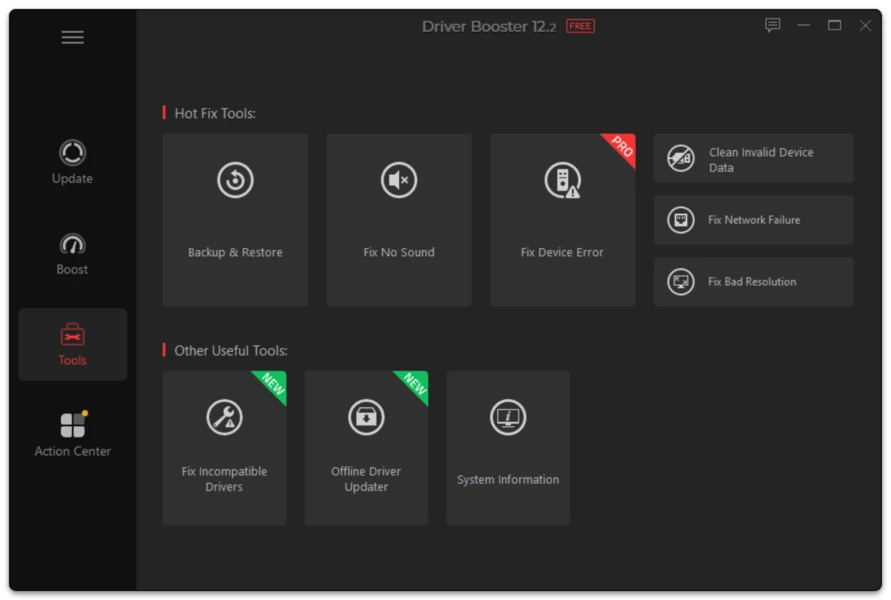
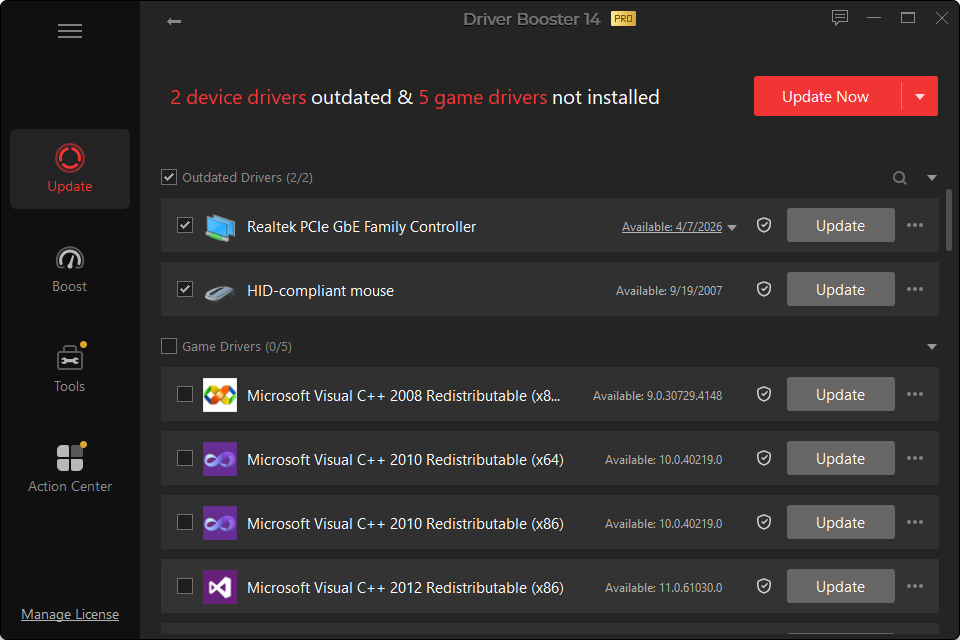
It scans Windows hardware, checks installed driver versions against its driver database and presents supported updates in one interface.
Is Driver Booster free?
There is a Free edition with core scan/update functionality. PRO adds more automation, backup, offline and advanced features.
What is the current Driver Booster version?
At the time this English master was prepared, the tracked current build is 14.0.1.462, released September 24, 2026.
Does Driver Booster support Windows 11?
Yes. Driver Booster 14 supports Windows 11, including Windows 11 ARM64 devices.
Does it support Windows 10?
Yes. Driver Booster continues to support Windows 10. Individual hardware drivers still depend on manufacturer support.
Is Driver Booster available for macOS?
Driver Booster is a Windows driver-updater product. Do not install Windows drivers on macOS.
Can it update NVIDIA drivers?
It can detect supported NVIDIA graphics-driver updates. AMD and Intel graphics hardware are also covered.
Should I update every driver?
No. Prioritize missing drivers, known fixes, compatibility requirements and drivers related to a real problem or feature.
Is Driver Booster safe?
It is a legitimate driver-management application, but any driver change can cause compatibility problems on some systems. Review updates and keep recovery options available.
Can I restore my old driver?
Yes, depending on what recovery data is available. Options include Windows Driver Roll Back, Driver Booster restore/backup features and System Restore.
Why did my internet stop after a network-driver update?
The new driver may not have initialized correctly or may be incompatible. Use Device Manager to check the adapter and roll back to the previous version when appropriate.
Does Driver Booster work offline?
Normal current-driver retrieval requires online data. PRO includes offline network-driver functionality for certain recovery scenarios.
Does Driver Booster increase FPS?
A graphics-driver update can improve or fix performance in a specific game, but there is no guaranteed FPS increase for every PC.
Is Driver Booster an antivirus?
No.
Does it update BIOS?
Treat BIOS/UEFI firmware separately from ordinary Windows drivers. Firmware updates require their own model-specific precautions.
What is the 23 million driver database?
It is the size advertised for Driver Booster 14’s current driver catalog. Your PC only uses the entries relevant to its detected hardware.
What is “Most Stable” in Driver Booster 14?
Version 14 can present more than one driver version in supported cases, allowing a user to choose a newer release or a stability-oriented option rather than always selecting the highest version number.
What is the missing game DLL tool?
Driver Booster 14 includes repair coverage for more than 60 game components and 680 DLL files. It is intended for missing component errors, not every type of game crash.
Can Driver Booster fix a physically broken device?
No. Software cannot repair failed hardware, damaged cables or defective ports.