
On this page
Interface previews
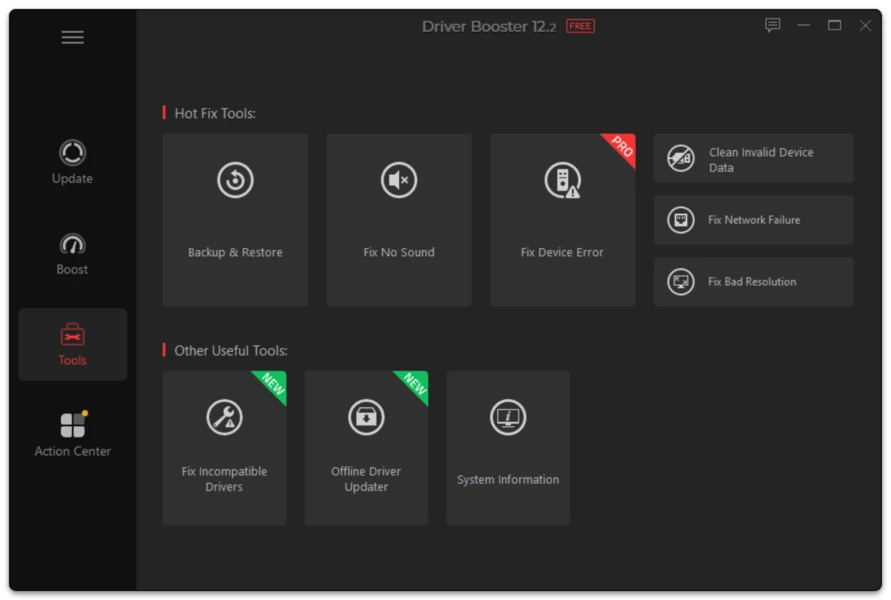
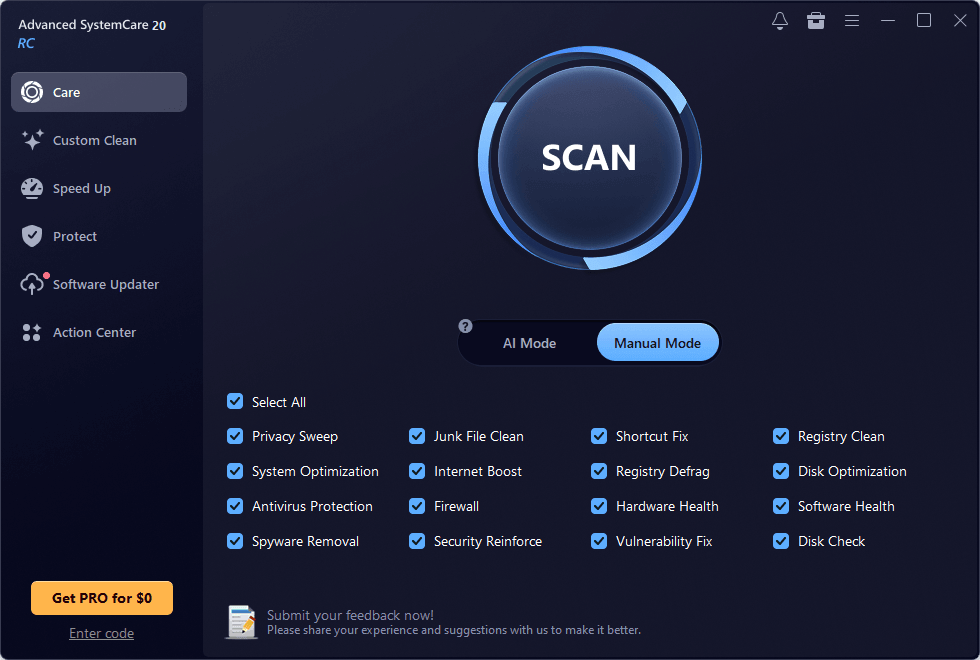
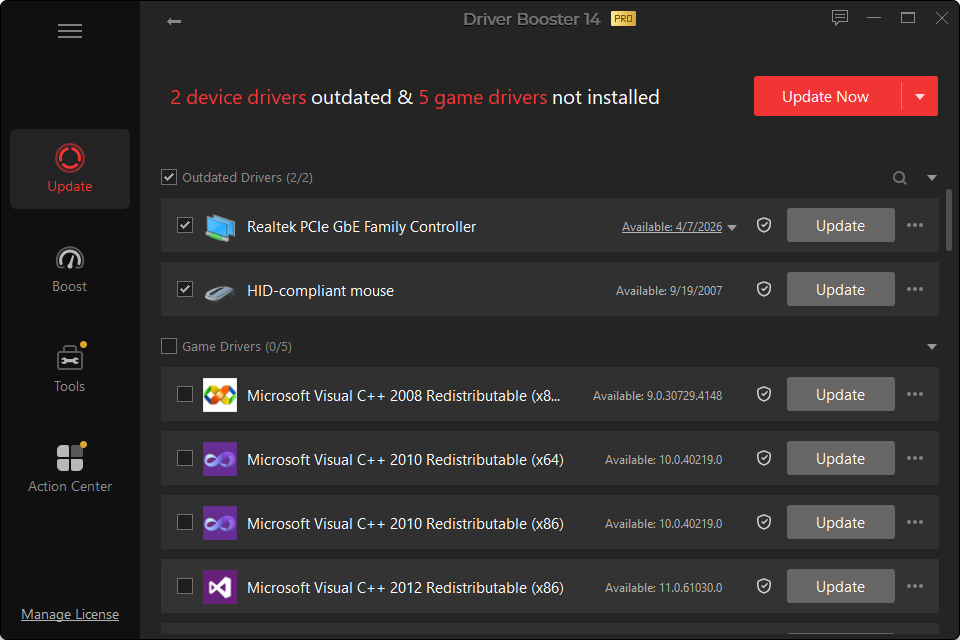
A software-download site should distinguish between what the developer says, what public version metadata says and what was actually observed during a test.
Our methodology is designed around repeatability and evidence.
1. Version Verification
For every major update we record:
- full application version;
- date checked;
- installer filename;
- file size;
- Windows publisher/signature information;
- supported architecture shown by the current application materials.
The visible “Last checked” date reflects a real check, not an automatically changing timestamp.
2. Clean Installation Check
Where a clean test is performed, record:
- Windows edition and build;
- x64 or ARM64 architecture;
- whether an older Driver Booster version was installed;
- installer screens;
- optional selections shown during installation;
- whether a restart was required.
Screenshots should come from the actual test environment.
3. Scan Behavior
Record:
- scan duration as an observation for that test PC, not as a universal speed claim;
- number of devices scanned;
- number of proposed updates;
- device names;
- installed and proposed versions.
Do not publish a claim such as “finds more drivers than competitors” unless a documented comparison supports it.
4. Driver Matching Review
For selected devices, compare:
- device hardware ID;
- installed version;
- proposed version;
- Windows architecture;
- device manufacturer;
- whether Windows Update offers a different version.
This checks whether the recommendation makes sense, not merely whether the program can display an update button.
5. Update Test
For a driver chosen for testing:
- create a recovery point;
- install the update;
- note restart behavior;
- verify the device after reboot;
- record Device Manager status;
- test the actual hardware function.
Examples:
- play audio after an audio update;
- reconnect to Wi-Fi after a network update;
- launch a 3D workload after a graphics update.
6. Recovery Test
A driver updater should be judged by recovery too.
Where practical, test:
- Driver Roll Back;
- backed-up driver restore;
- System Restore behavior;
- whether the old working version returns.
7. Troubleshooting Articles
A troubleshooting guide should describe:
- the symptom;
- likely causes;
- the lowest-risk checks first;
- driver repair only when relevant;
- recovery steps;
- signs that the issue may be hardware rather than software.
8. No Fabricated Scores
Do not publish “9.8/10,” “100% safe,” “30% faster” or similar claims as our own unless a defined test produces them.
Marketing claims can be described as claims, but they should not be converted into independent facts.
9. Update Policy
A page gets a new “Updated” date when:
- the product version changes;
- compatibility changes;
- a test is rerun;
- screenshots are replaced;
- material guidance changes.
Minor punctuation edits do not justify resetting the article date.