
On this page
Interface previews
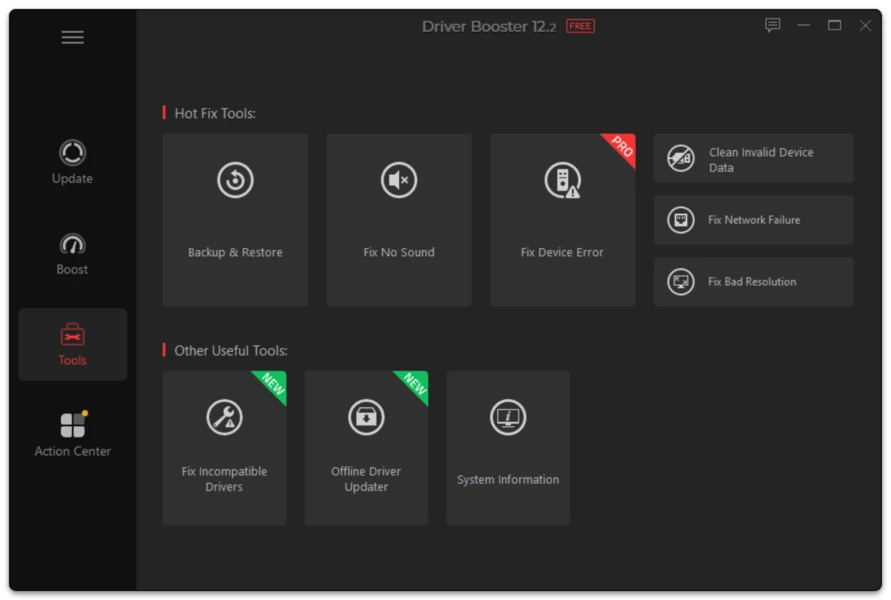
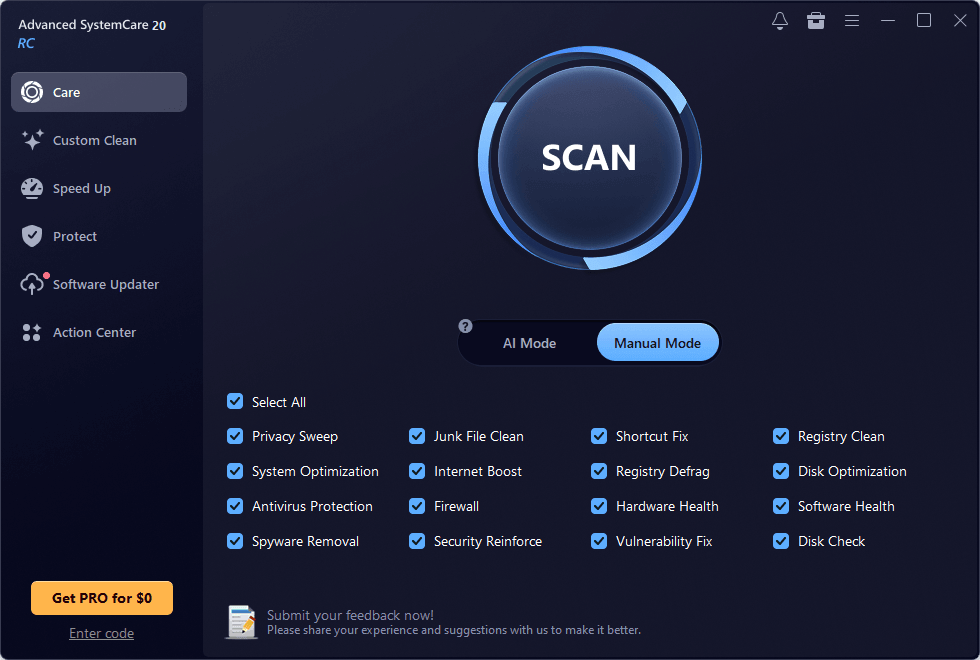
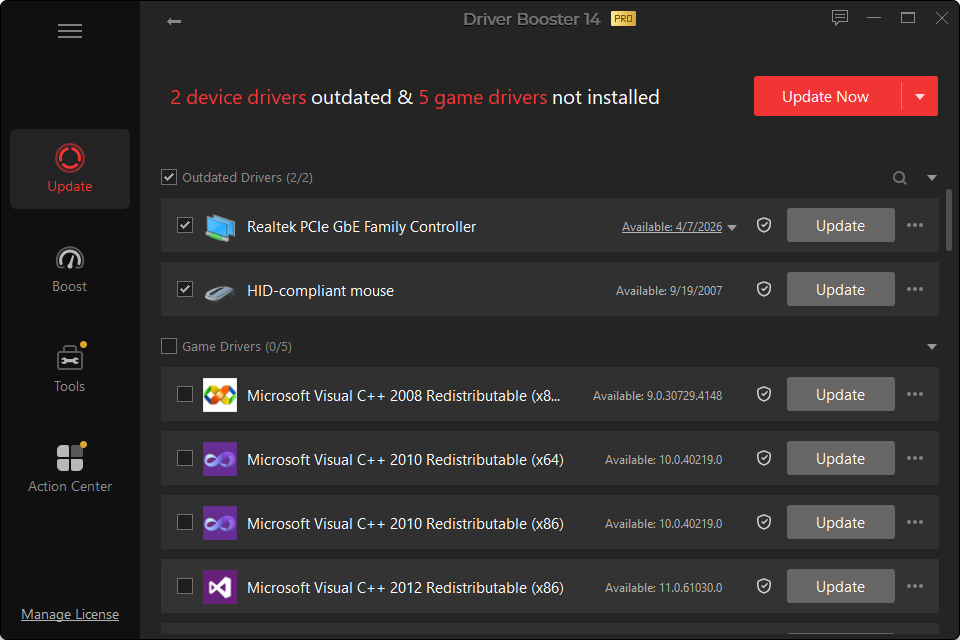
Driver Booster PRO expands the driver updater from an occasional manual scanner into a more automated maintenance tool. It is designed for users who value scheduled checks, automatic update workflows, broader recovery options and offline repair features.
That does not mean every home PC needs PRO. The decision should be based on the functions you will actually use.
Key PRO Capabilities
Scheduled scanning
PRO can check for outdated, missing or faulty drivers on a schedule. This reduces the need to remember to open the application manually.
For an everyday home PC, scheduled driver scans do not need to become a daily ritual. Drivers are not like antivirus signatures; many devices do not need frequent updates.
Offline network-driver updating
A missing Ethernet or Wi-Fi driver creates an awkward problem: the computer needs the internet to download a driver, but the driver is needed to access the internet. PRO includes offline network-driver functionality intended for this scenario.
Automatic backup and restore support
Driver backup is valuable because a new driver can behave differently on a specific hardware configuration. PRO can automate backup of multiple driver versions, giving users a more direct recovery path.
Idle-time updating
PRO can automate downloads/updates when the computer is idle. This is convenient, but critical machines should still be configured conservatively. Automation does not remove the need to understand what changed.
Stability-oriented driver selection
The current generation places greater emphasis on choosing suitable versions rather than blindly chasing the highest version number. PRO includes expanded controls around stability-first updates.
Expanded repair and gaming features
Additional device-error repair and gaming functions are included in the paid feature set, including broader missing-DLL repair capabilities in the version 14 generation.
Who Benefits Most From PRO?
PRO is more compelling for:
- people who regularly repair Windows PCs;
- households with several supported PCs;
- users who want backups created automatically;
- machines that may need offline network recovery;
- users who prefer scheduled maintenance;
- gaming PCs where current GPU/game components are checked often.
Who Can Stay on Free?
You probably do not need PRO if:
- you update drivers rarely;
- Windows Update already handles your hardware well;
- you are comfortable downloading a specific driver manually when necessary;
- you prefer to review every driver change yourself;
- you do not need offline updating or automatic backup.
Do Not Buy PRO Just to “Make the PC Faster”
Driver software can affect performance, but updating every driver is not a universal speed upgrade. A slow PC may be limited by insufficient RAM, a saturated system drive, thermal throttling, background processes, malware, failing storage or simply older hardware.
PRO should be purchased for its maintenance features, not because a higher tier can magically overcome unrelated hardware limits.