
On this page
Interface previews
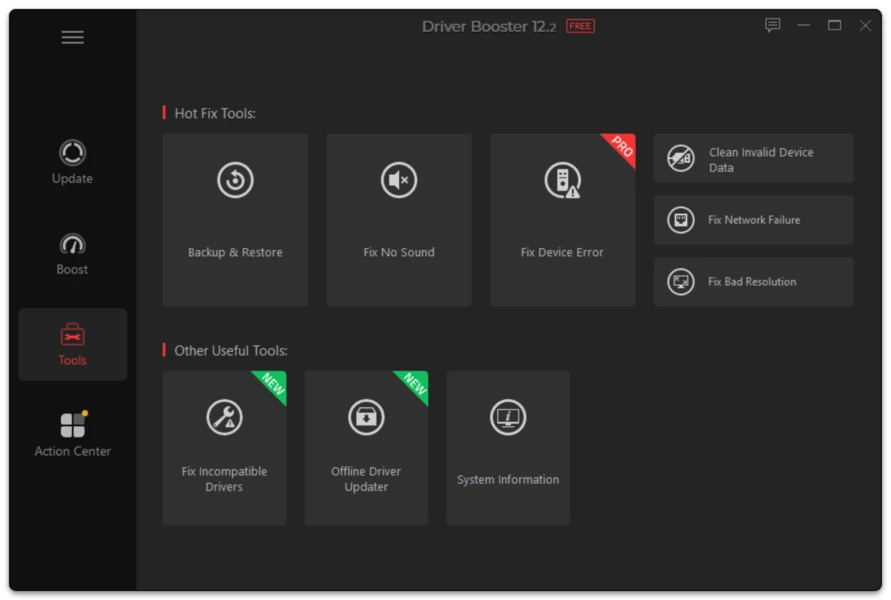
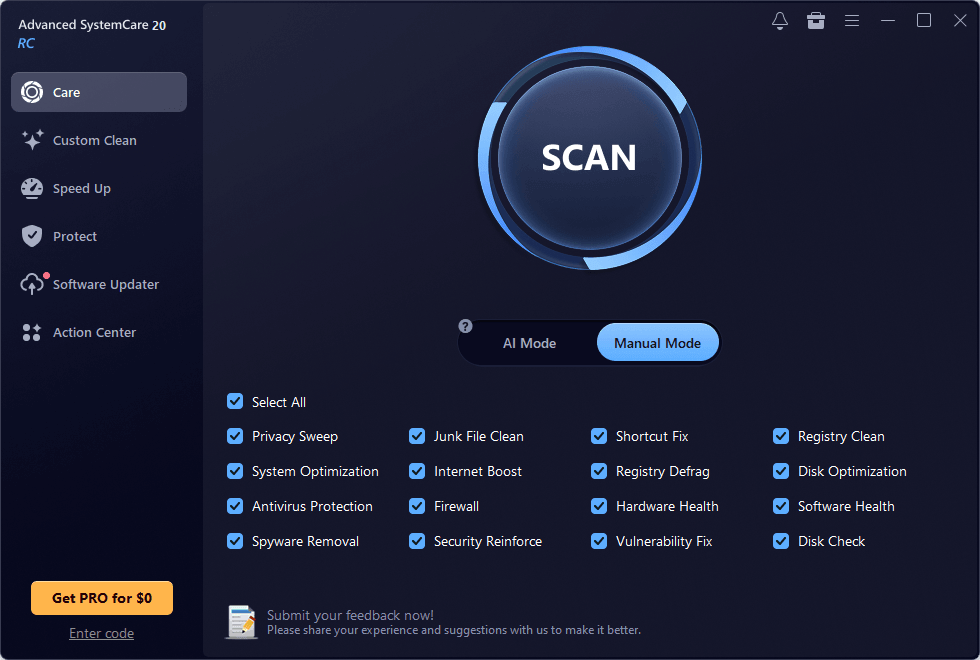
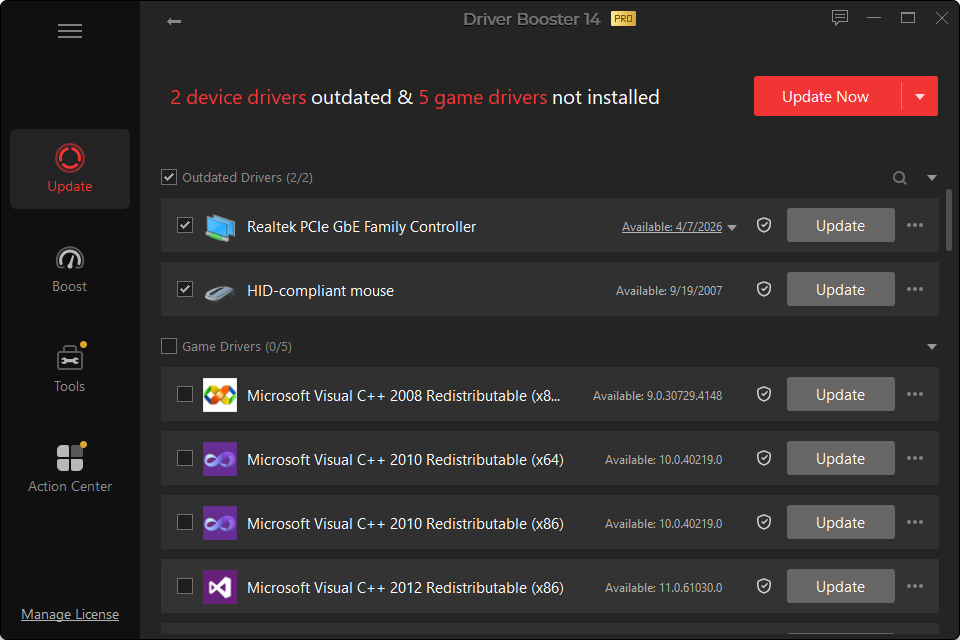
Driver Booster 14 supports Windows 10/11 ARM64 devices. This is important as Windows laptops built around ARM processors become more common.
The central rule on ARM is simple: application compatibility and driver compatibility are not the same thing. Windows can run many x64 applications through emulation, but kernel-level hardware drivers generally need architecture-specific support.
How to Check Whether Your PC Is ARM64?
Open:
Settings > System > About
Look at System type. If it says ARM-based processor or ARM64, treat driver architecture as a required compatibility condition.
What Can Go Wrong With the Wrong Architecture?
A driver package built only for x64 may:
- refuse to install;
- show that no compatible device exists;
- install only companion software while leaving the device unchanged;
- fail to start the device.
Do not force-install an unsupported architecture through manual Device Manager methods.
Best Use of Driver Booster on ARM64
Use the scan to identify devices and available ARM-compatible packages, but pay particular attention to:
- chipset/platform devices;
- Wi-Fi and Bluetooth;
- integrated graphics;
- camera/sensor hardware;
- audio devices;
- laptop-specific power and input components.
Windows on ARM PCs often integrate more functions into the platform design than a traditional desktop, making manufacturer-specific drivers especially important.
Before Updating an ARM Laptop
Keep the PC connected to power, note the current version of important platform drivers and create a restore point. If the device is a laptop, avoid experimenting with unknown packages for power-management or platform-controller hardware.