
On this page
Interface previews
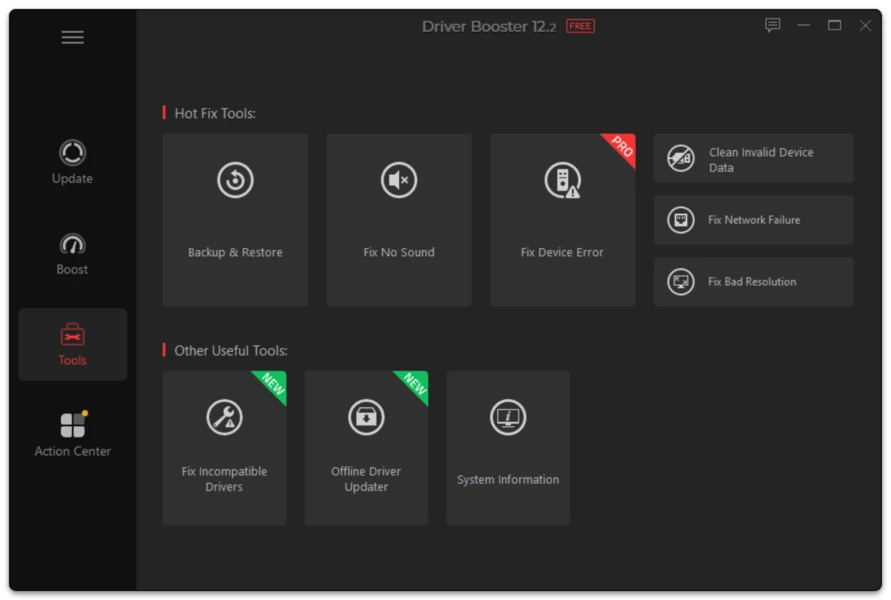
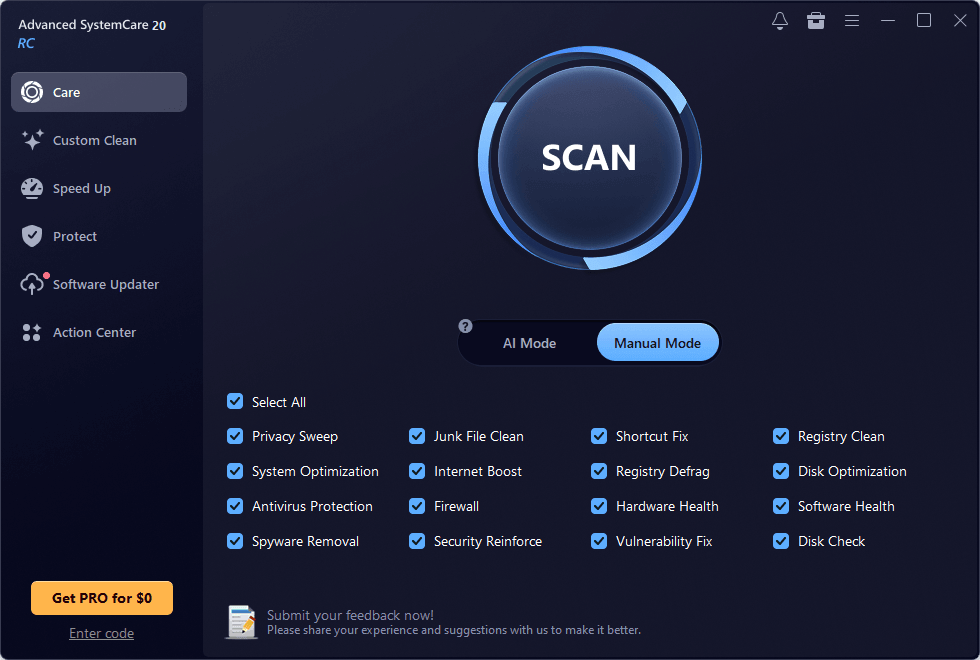
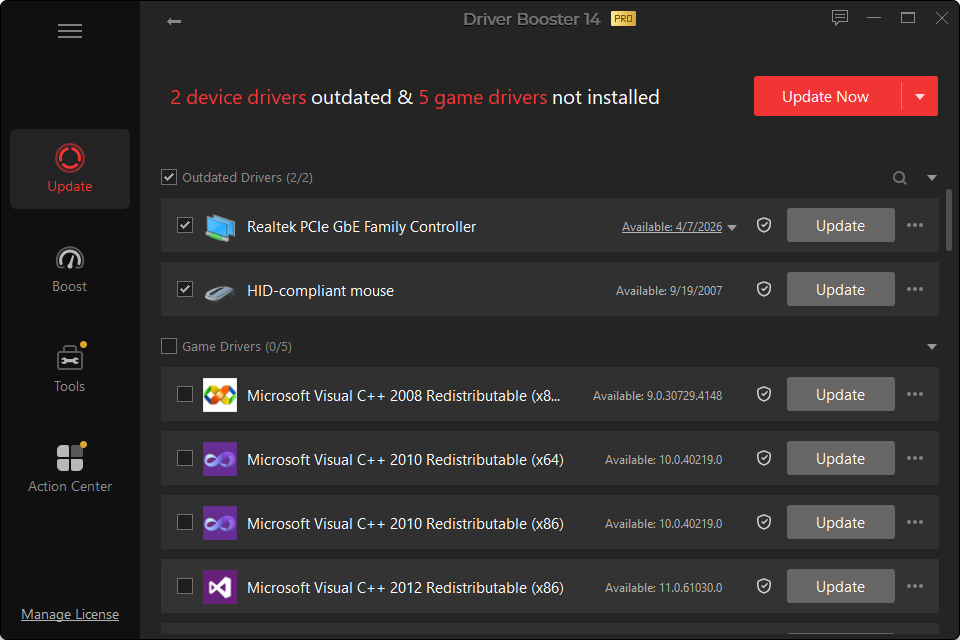
Windows Update and Driver Booster overlap, but they are not identical.
Windows Update is part of the operating system and distributes many hardware drivers automatically. Driver Booster is a specialized utility that scans a broader driver catalog and presents driver maintenance in a dedicated interface.
Where Windows Update Is Strong
- Built into Windows
- No additional software required
- Works naturally with Windows servicing
- Good default choice for general users
- Provides optional driver updates in supported Windows versions
Where Driver Booster Adds Value
- Dedicated scan across many hardware categories
- Broader visibility into driver versions
- Multi-version choices in Driver Booster 14
- Driver backup/restore tools
- Offline network-driver functionality in PRO
- Additional game-component/device-repair tools
Which Should You Run First?
For most home PCs:
Windows Update first, Driver Booster second when there is a reason.
This avoids using a third-party tool to solve a device that Windows would have handled automatically after a normal update cycle.
What About Graphics Drivers?
Gamers and professional GPU users often need releases newer than the version currently distributed through Windows Update. In that case a GPU-vendor package or a specialized driver scan can be useful.
Can Driver Booster Replace Windows Update?
No. Device drivers are only one part of Windows maintenance. Windows Update also delivers operating-system security fixes, servicing updates and other components.
Can Windows Update Replace Driver Booster?
For many stable PCs, yes—the user may never need another driver tool. But when Windows does not resolve a device, when broader version choice is desired, or when offline/recovery tools are useful, Driver Booster serves a different role.