
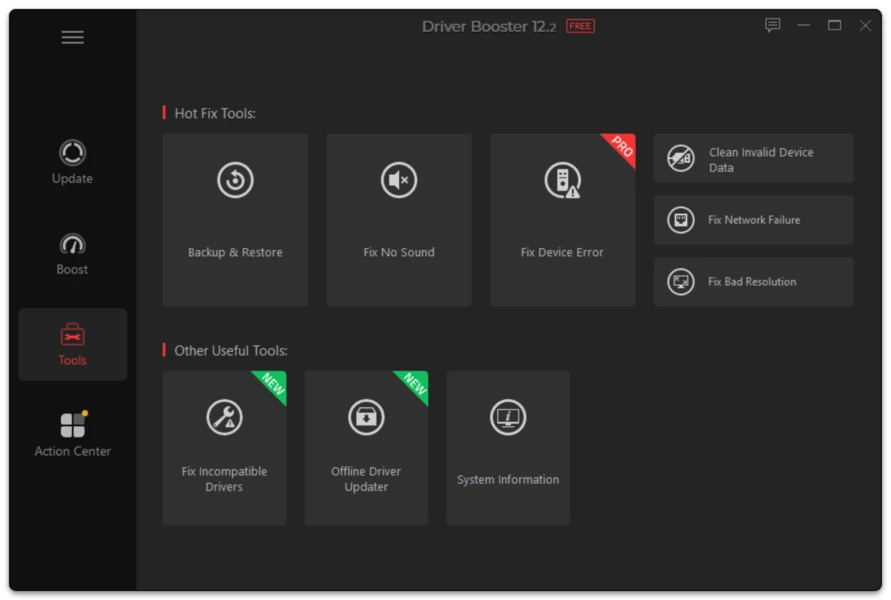
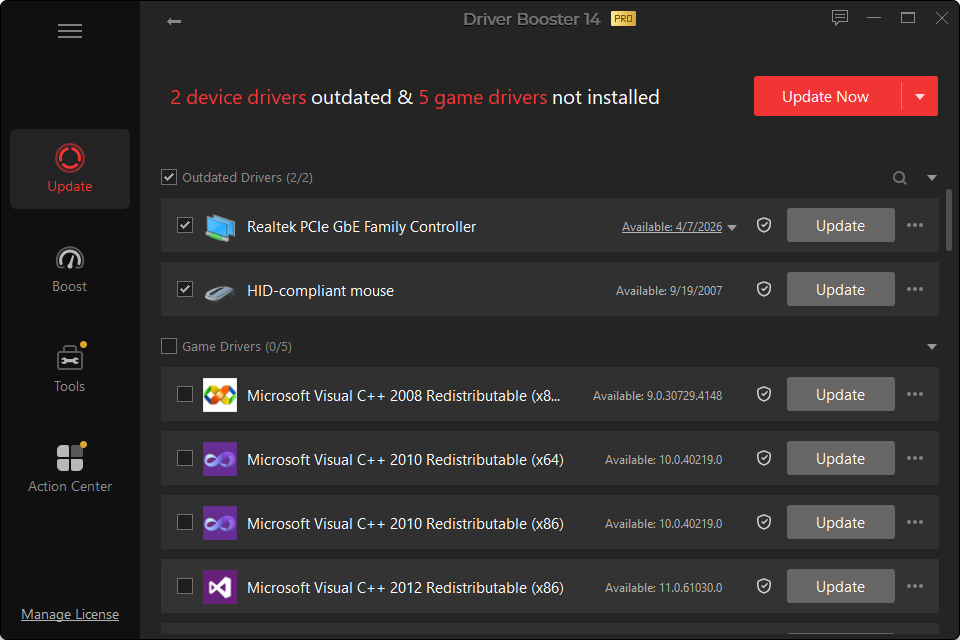
Interface previews
Chipset and platform drivers help Windows identify and communicate with motherboard-level components. They can affect USB controllers, PCI devices, power management, storage controllers and other low-level functions.
Because of that reach, chipset updates deserve more caution than a simple mouse or webcam driver.
When to Update
- after a clean Windows installation;
- when Device Manager shows unknown platform devices;
- after installing a new motherboard;
- when a documented platform fix applies to your system;
- when a Windows upgrade exposes compatibility problems.
Laptop vs Custom Desktop
For a custom desktop, motherboard and chipset-vendor packages are often appropriate reference points.
For a laptop, the PC manufacturer may customize platform and power-management components. If everything works, avoid replacing specialized OEM packages simply to chase a newer generic version.
BIOS Is Not a Normal Driver
Driver Booster is a driver-management utility. Treat BIOS/UEFI and firmware separately. A firmware update has different risks and should never be installed merely because a driver scan suggests general system maintenance.