
On this page
Interface previews
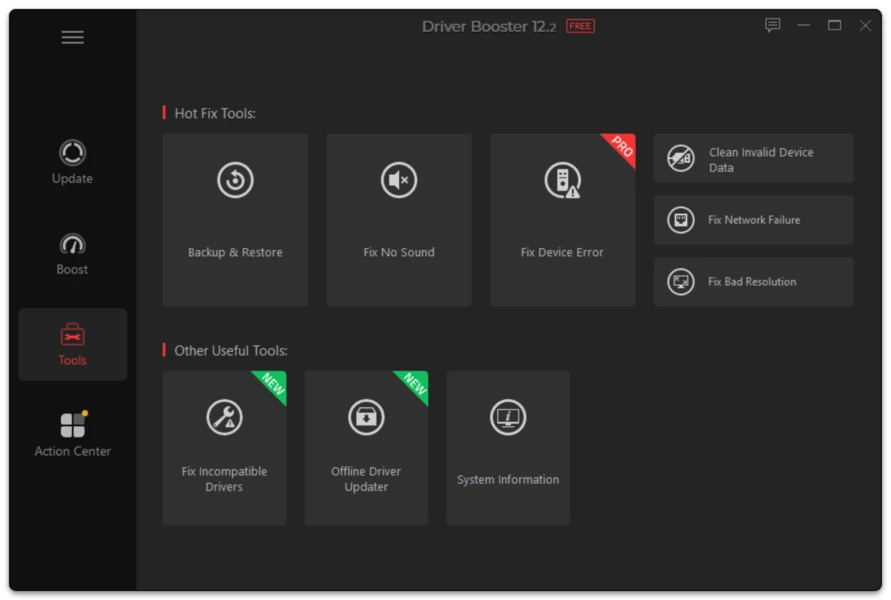
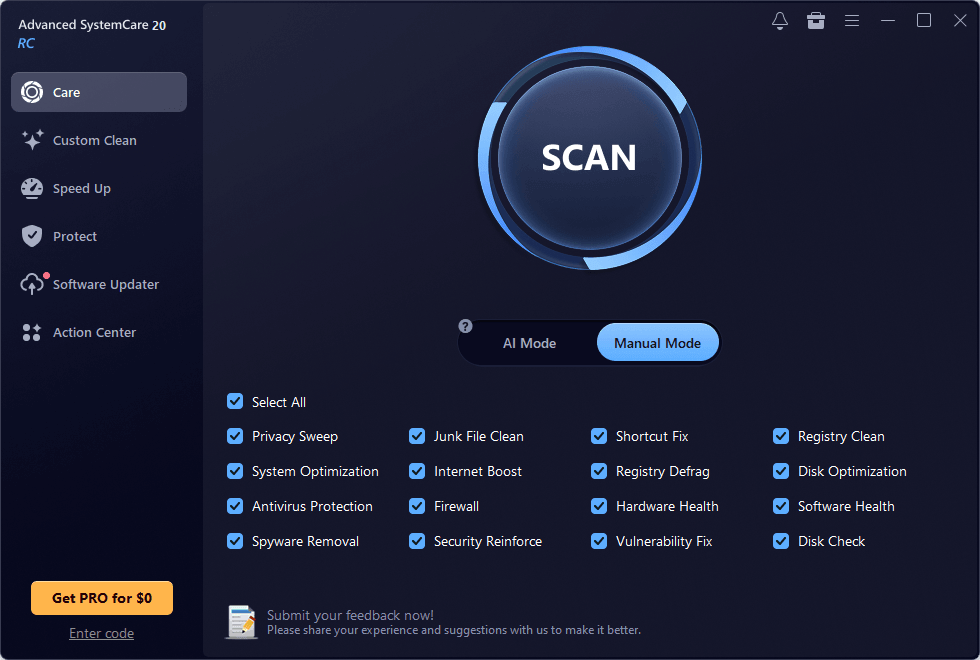
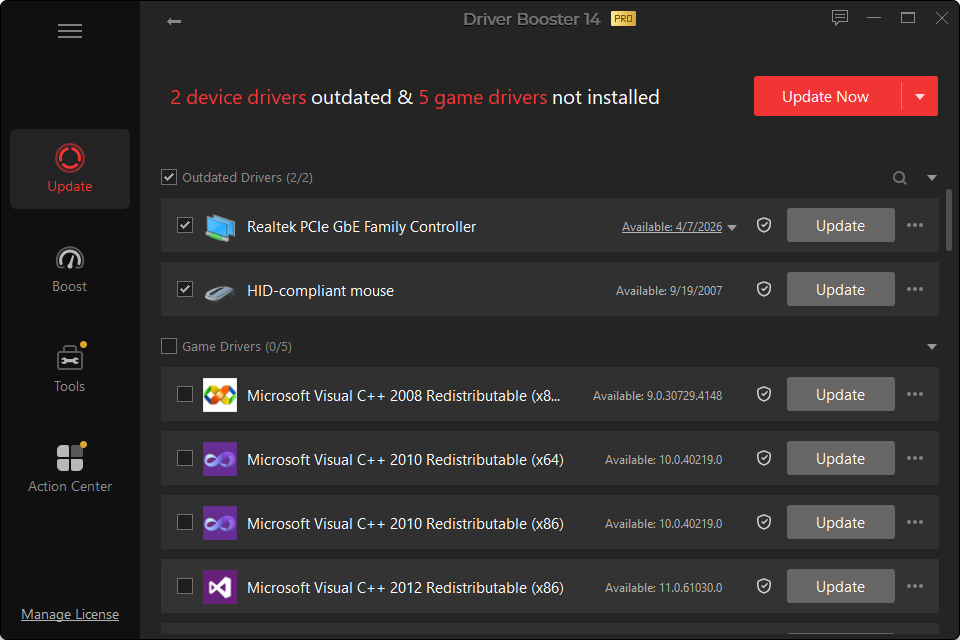
Driver Booster solves a genuine usability problem in Windows: identifying many different hardware devices and finding driver updates without visiting a long list of manufacturer pages.
Its value depends on the user. For a PC with unresolved devices after a Windows reinstall, a broad scanner can save considerable time. For a stable laptop already maintained by Windows Update and its manufacturer utility, running a third-party updater aggressively may add little.
This review evaluates the product by workflow rather than marketing promises.
Interface and Ease of Use
The core workflow is easy to understand: scan, review results, select drivers, install.
Version 14 improves the interface and adds clearer multi-version choices. That is a meaningful direction because driver maintenance should not be reduced to a red/green score where the only goal is to make every warning disappear.
Driver Coverage
Driver Booster 14 advertises a database of more than 23 million driver records. Broad coverage helps with mixed hardware and older peripherals.
Coverage is not the same as correctness. The useful part is whether the application identifies the exact hardware ID and offers a driver compatible with the Windows version and architecture.
Multi-Version Scanning
This is one of Driver Booster 14’s strongest conceptual improvements.
A choice between “latest” and a more stability-oriented release acknowledges how drivers actually work. The newest version may be best for a new game, while a previous branch can be preferable on a workstation that already functions perfectly.
Recovery Options
Any driver updater should be judged partly by how it handles failure.
Driver Booster includes rollback, driver restore and system-restore workflows. PRO adds more automatic backup functionality. This is important because a driver-management product is not complete if it only helps users move forward and provides no route back.
Gaming Features
Driver Booster includes GPU/game-driver updating, Game Boost functions and game-component repair. Version 14 adds missing-DLL repair covering a large set of gaming components.
These tools are convenient, but users should separate different causes:
- low FPS is not always a driver issue;
- a missing DLL is not the same as a GPU crash;
- a game-file corruption problem is not fixed by replacing every device driver.
Free Edition
Free provides enough functionality to test the main workflow. It is a sensible choice for users who want occasional scans and manual control.
PRO Edition
PRO is more valuable for frequent use. Scheduled scans, offline network-driver support, automatic backups, automated updating and expanded repair tools are the main reasons to pay.
Strengths
- One interface for multiple hardware categories
- Useful after Windows reinstall or when Device Manager has unresolved devices
- Large current driver catalog
- Multi-version choices in Driver Booster 14
- Recovery options
- ARM64 support
- Helpful offline-network capability in PRO
- Gaming component repair for relevant errors
Limitations
- Not every available driver needs to be installed
- Generic updates can differ from OEM-customized laptop packages
- The product cannot diagnose every hardware problem
- Automation can encourage unnecessary updates if used without review
- PRO features matter more to frequent users than occasional home users
Who Should Use Driver Booster?
It suits users who:
- want a single driver-status dashboard;
- rebuild Windows PCs;
- troubleshoot missing devices;
- prefer a guided interface;
- maintain several hardware categories.
Who May Not Need It?
You may not need a third-party updater if:
- Windows Update already handles everything;
- the PC vendor provides a complete maintenance utility;
- the system is stable and rarely changes;
- you are comfortable updating individual hardware manually.
Review Conclusion
Driver Booster is most useful as a driver-management and recovery convenience tool, not as a mandatory PC optimizer.
Its best feature in version 14 is the move toward more informed version selection instead of equating “newest” with “always better.” Its biggest risk is the same as any automated driver tool: users can change more than they need to.
Used selectively, it can save time. Used indiscriminately, it can create troubleshooting work that did not exist before.